Hypercode Blog, #Development
awork for Stream Deck: Keep Tasks and Time in View
We originally built the Raycast integration to make searching and logging time in awork faster for ourselves. As it turned out, it helped quite a few others, too. Next, we wanted to keep the most useful information visible at all times, so we could stay on top of our time entries and new tasks.
Since we’re big fans of the Elgato Stream Deck, bringing the two together felt like a natural next step. The customizable controller with its small display keys puts awork information right on your desk.
Tracked Time, Right on the Key
Tracked Time Today shows how much work time you’ve already logged in awork today. The plugin compares that time with your configured daily working hours and displays your progress directly on the key.
It’s especially useful when, between meetings and project work, you find yourself wondering: have I logged everything for today? A glance at the Stream Deck gives you a quick overview, and pressing the key takes you straight to the relevant view in awork.
Your Tasks at a Glance
How many tasks are still open? Have any new ones come in? The Task Count action displays the number of tasks directly on a Stream Deck key. You can choose from three personal views, New Tasks, My Tasks and Private Tasks, or give each view its own key.
Setup & Download
The plugin runs on macOS and Windows. To get started, create an API client in awork; this may require admin permissions. You’ll find each step in our setup guide. Then choose which information appears on each key. You can set the refresh interval for each key individually.

You can find the plugin in the official Elgato Marketplace and install it on your Stream Deck for free. Enjoy, and may your time entries and tasks always be in view!
This is the first in a series of Stream Deck plugins we’ve developed and published for professionals and ourselves. Also available:
- Web Analytics for Stream Deck, which displays website metrics from the popular, GDPR-compliant analytics services Matomo, Plausible and Fathom.
- Feed Key for Stream Deck, our take on a feed reader for Elgato’s hardware controller. A badge lets you know about new content in RSS and Atom feeds, YouTube channels, GitHub releases and podcasts, and pressing the key opens the source.
We’ll take a closer look at these here on the blog soon.
awork × Raycast: New Features for Better Workflows
Since we introduced our awork extension for Raycast, it’s become part of daily work for us and many other teams. Find projects, open tasks and track time, all from the launcher with a few keystrokes. This update brings awork and Raycast closer together with several new features.
Raycast 2 and Windows
With the arrival of Raycast 2 and Raycast for Windows, we’ve updated the extension to support both, while keeping it running smoothly in Raycast 1.
Project & Task Keys
awork recently introduced Project and Task Keys: unique IDs for projects and tasks, and a feature we’d often requested ourselves. The extension now supports them too. If you’ve enabled keys in awork, you’ll see them in Raycast. If you haven’t, everything works as before.
Create Task / Edit Task
Creating and editing awork tasks was our most requested feature. Now, Create Task is available as a standalone command alongside Search Projects, Search Tasks and Log Time. Select a project and open the pre-filled form from the submenu or with ^C on macOS or CTRL+C on Windows. Welcome to our new Windows users! To edit a task, choose Edit Task from its submenu or use ^E or CTRL+E. You can create subtasks in the same way, provided the selected task isn’t already a subtask.
awork Meets Raycast AI
These features are also available through Raycast’s AI tools. Use @awork to find projects and tasks, track time, or create and edit tasks in natural language. Before creating or changing a task, Raycast shows you the details to confirm, as usual.
The updated extension is available now in the official Raycast Store.
Our awork video profile shows why awork works so well for us and how we use it with our clients. The extension grew out of that everyday work: a small tool that evolves with our needs and with the expanding features of awork and Raycast.
SEO/GEO: Making Websites a Source for AI Search
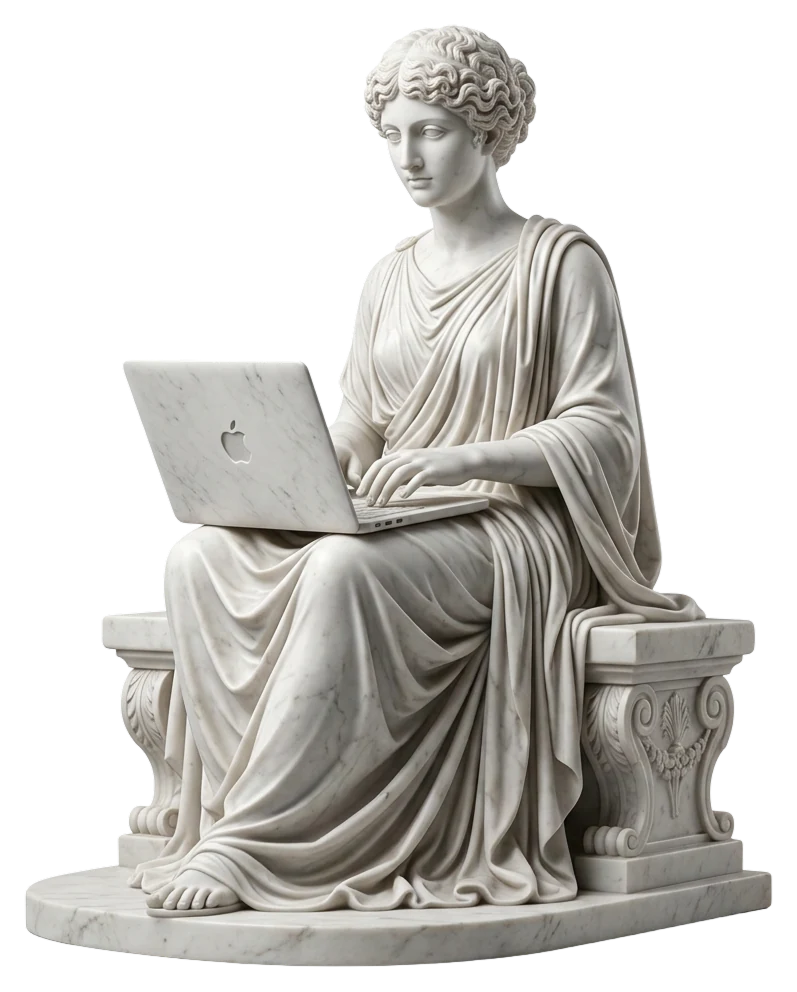
In our conversations with businesses, we see how quickly AI is becoming part of their workflows, social media presence and digital products. Their websites need to support that direction, too. Content is no longer discovered only through blue links in search results. Search engines, AI Overviews, chatbots and LLM-based assistants interpret it, summarize it and use it in new answers. This is where GEO comes in: Generative Engine Optimization is the practice of preparing content and its structure for generative answer engines.
For us, SEO/GEO builds on the foundations of good corporate websites. A website needs authoritative content, sound technology and clearly defined meaning. It should explain what a business offers, who it serves, the context it works in, and the experience and results behind its claims.
Search engines and AI systems approach this in different ways. They read content, recognize entities and interpret relationships to establish context. Services, people, projects, case studies, articles and contact options therefore need a clear structure as well as an engaging presentation. That means thoughtful information architecture, semantic markup, consistent metadata, a maintained XML sitemap and structured data using JSON-LD and Schema.org. Where useful, it can also include a curated llms.txt file or machine-readable endpoints such as MCP servers.
For CMS websites that have grown over time, this is often an architectural challenge. Custom SEO fields, legacy template logic and inconsistent content models can make it difficult to deliver content clearly. It helps to review existing SEO data, structured data and editorial workflows together, considering how the CMS, frontend, content model and markup work as a whole.
We help businesses develop their websites into dependable knowledge sources for traditional search and AI systems. Our work connects positioning, content structure, the CMS, frontend and semantic markup, looking beyond individual SEO fields.
- SEO/GEO audits of existing website and content structures
- Migration and configuration of SEO systems
- Information architecture for AI-readable service, project and knowledge pages
- JSON-LD/Schema.org for organizations, services, projects, articles and people
- Semantic HTML and technical frontend optimization
- XML sitemaps, canonical URLs and consistent metadata
- llms.txt and curated content summaries for AI systems
- Content structures that support retrieval for chatbots and AI search
SEO/GEO connects our work on Corporate Websites with AI Engineering. A modern company website represents a brand, supports sales and provides knowledge. We build and develop websites with all three roles in mind, so they work well for people and can be reliably understood and linked to by search engines and AI systems.
If you’d like to take your website in this direction, we’d be happy to review it with you, from strategy and content through to the technology behind it.
Welcome to the new hypercode.de!
The new hypercode.de grew out of a question: how can we better show who we are and what we do? A lot has changed. Hypercode has grown, our portfolio has evolved and we’ve raised our expectations of how we present ourselves1. The new website reflects that. It speaks more directly, shows more of our work and makes it clearer what we do for our clients.
Show, don't tell
We’ve built on the approach of the previous site. Hypercode is a Digital Product Studio with high standards, and we want that to come across from the first moment. More contrast, stronger accents and a visual language drawn from our work help make that happen. Less explaining, more showing.
That’s why the new hypercode.de features much more video, taken directly from our projects rather than stock libraries. New case studies show how those projects took shape, from strategy and planning to development. From the homepage showreel to individual project screencasts, the website gives you a closer look at our work than ever.
Spotlight: Our Services
Our redesigned service pages are central to the new site structure. They explain how we work and what we build. We’ve grouped them into What We Do, covering our expertise, and What We Create, showing the products and outcomes we deliver with our clients:
What We Do
- Product Strategy & Architecture — We help shape digital strategies and product ideas, advise on technology and architecture, and examine related business processes to identify solutions early.
- UX/UI Design — We create engaging user experiences with a design language tailored to each client. Working closely with development lets us carry complex design requirements through to the finished product.
- Software & Web Development — We build fast, intuitive mobile apps, web apps, configurators, websites and web services that people enjoy using.
What We Create
- Mobile Apps for iOS & Android — We build mobile apps that work well across platforms, combining reliable engineering, clear design and integration with the systems they need. Our work spans hybrid architectures and native device features.
- Corporate Websites — We design and build custom websites that make complex content easy to navigate, communicate technical expertise and engage visitors through fast performance and thoughtful interactions.
- Web Apps & Product Configurators — Interactive tools that help people make decisions and speed up processes. Modular and scalable, they fit into existing systems and business models.
- Custom Software — When off-the-shelf tools fall short, we build software around your requirements, with modular architecture, room to scale and a clear focus on maintainability and efficiency.
You’ll also find the occasional Easter egg. We think a business website should be fun, too. 🐣 Enjoy exploring — and, as always, we’d love your feedback and suggestions!
Footnotes
- Our clients have had a glimpse of this for a while: our presentations and communications have reflected the new direction, including the color palette, for several months. ↩