
Views by Hypercode
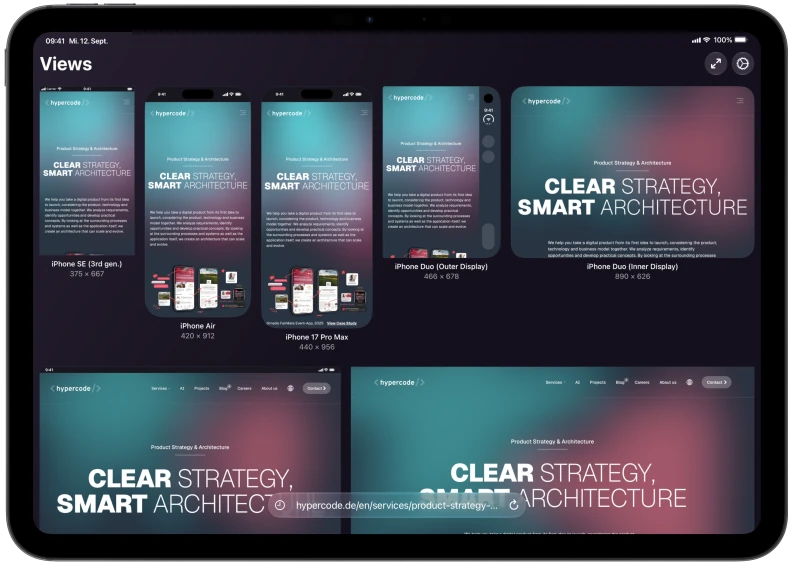
Your screen is just the starting point. Explore your website at different phone, tablet and foldable sizes, all from the device you already own.
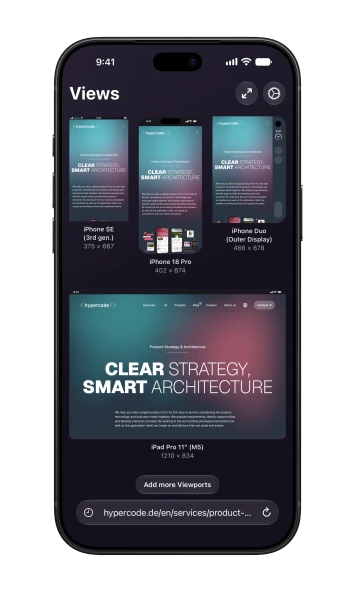
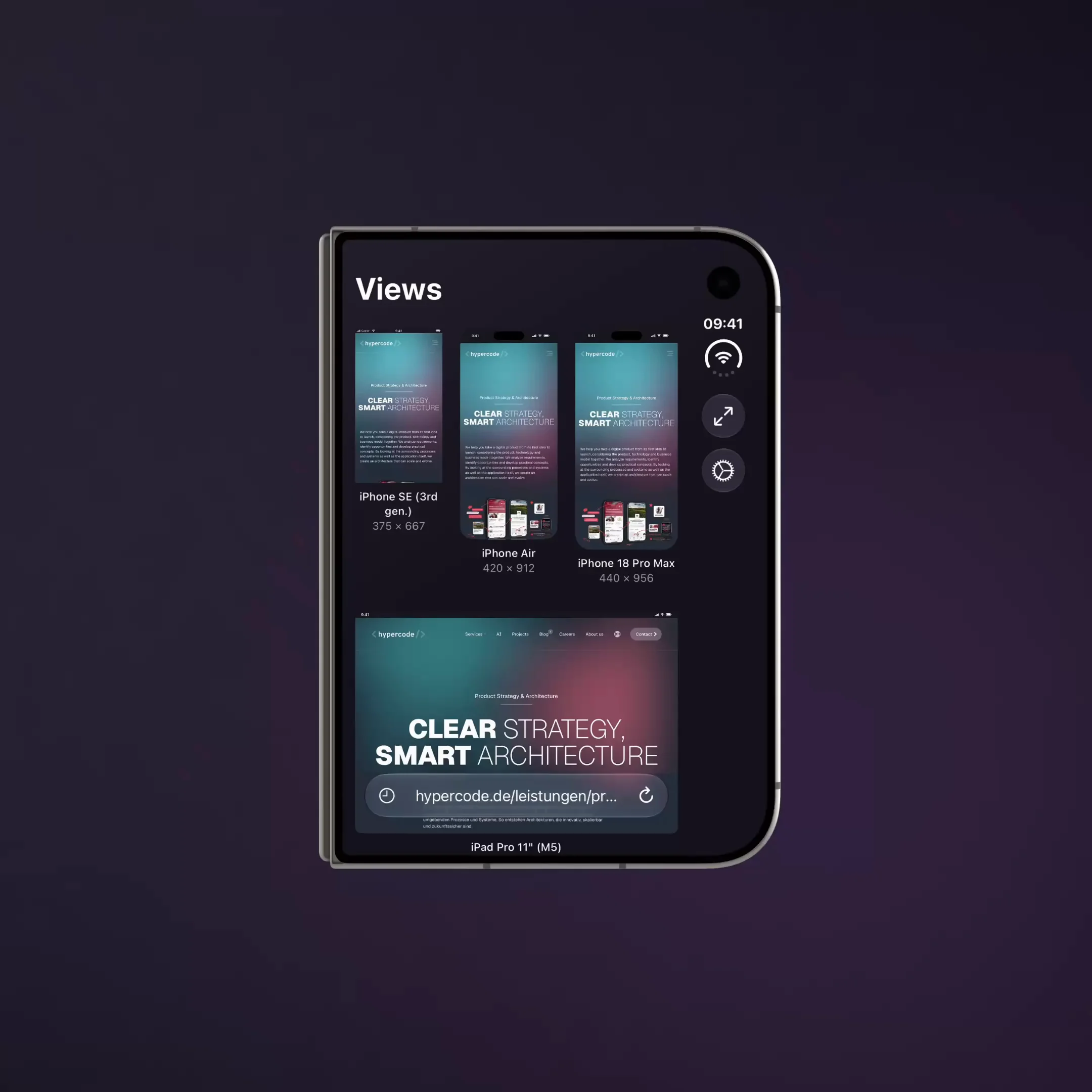
Views turns your iPhone or iPad into a workspace for responsive web design. Compare layouts, spot awkward line breaks and crowded navigation, then tap a preview to follow links, test menus and explore every detail.
Choose from an extensive device catalog or save your own custom sizes. Keep previews up to date with Live Reload and Auto Reload, and connect Views to your workflow with Safari, Shortcuts and the free Views CLIOpens in a new window for Mac and PC.

Views features
One device. Multiple viewports.
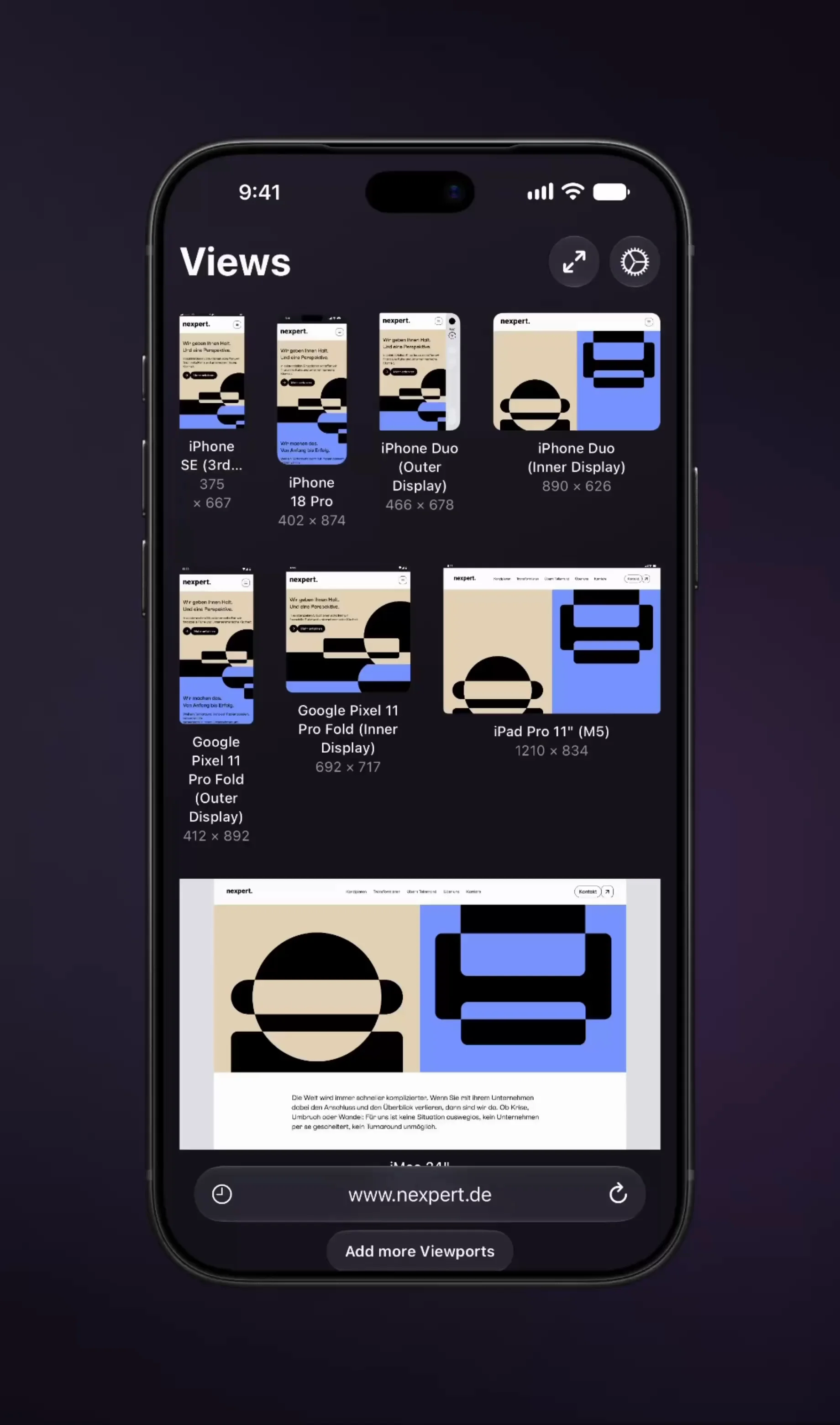
Compare phone, tablet, foldable and desktop layouts in one overview. Choose from the device catalog or save your own custom sizes. Limited to three simultaneous viewports in Free. Unlimited viewports in PRO.
Explore every detail
Tap a preview to follow links, test menus and scroll at that viewport size. Return to the overview with your scroll position synced.
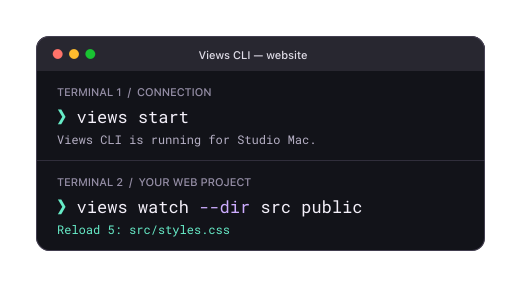
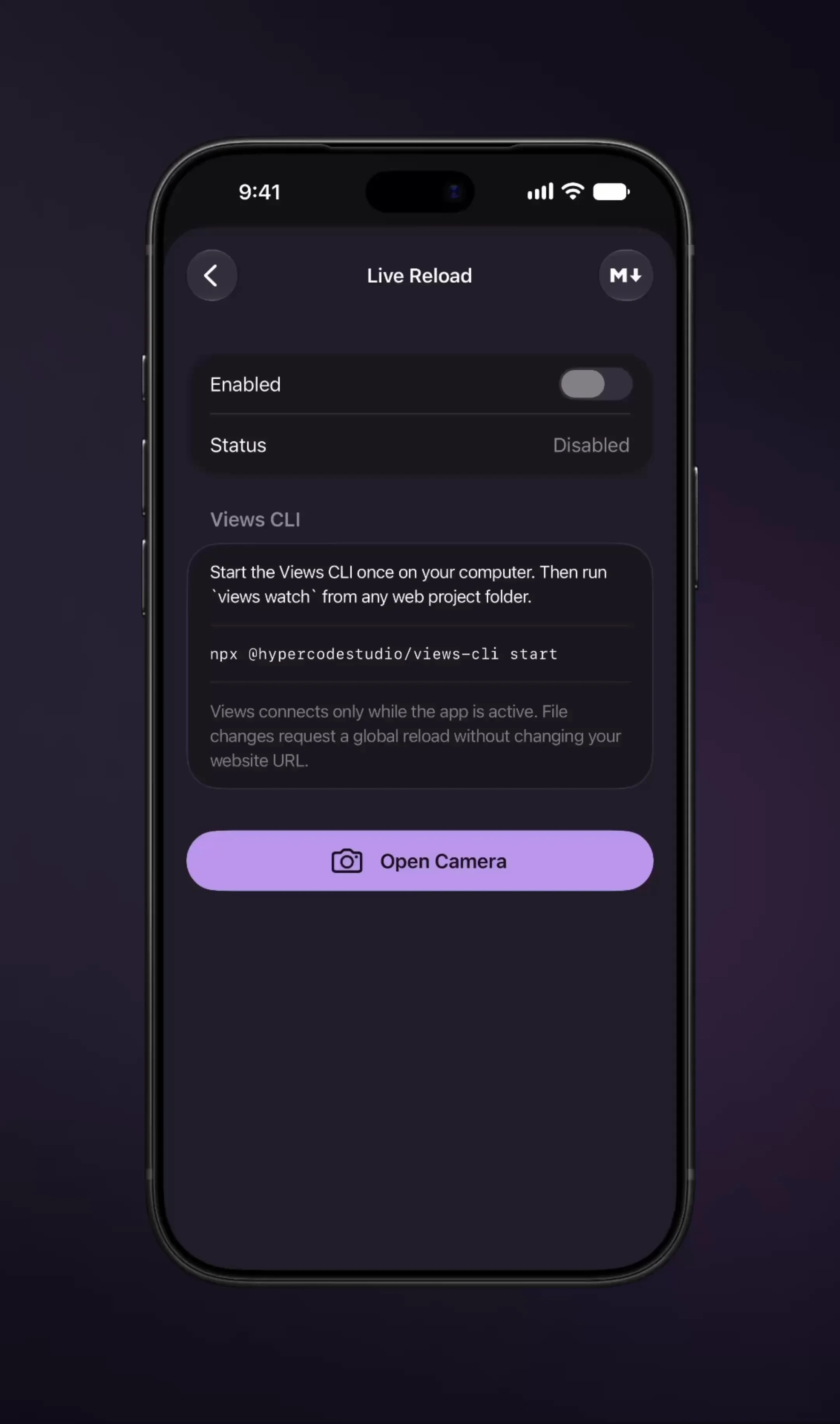
Live Reload via Views CLI
Code, save, see it. Connect the free Views CLIOpens in a new window on your Mac or PC to control and refresh your previews automatically whenever project files change. Limited to 10 minutes per week in Free. Unlimited usage in PRO.
Auto Reload
Choose a refresh interval and let Views reload your previews automatically. Keep checking changes without reaching for Reload. Limited to 10 minutes per week in Free. Unlimited usage in PRO.
Fits your workflow
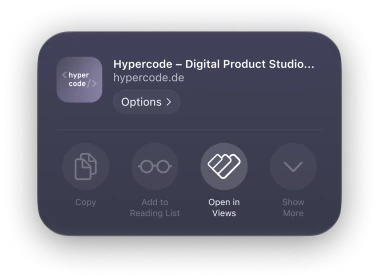
Start with the Safari extension, automate via Apple Shortcuts or use the custom views:// URL scheme, and share Markdown guides so your AI coding agent can control Views.
Capture and share
Export viewport screenshots to share your findings for specific devices. Screenshots include a Views badge in Free. Badge-free exports in PRO.



Every size.
Ready to explore.
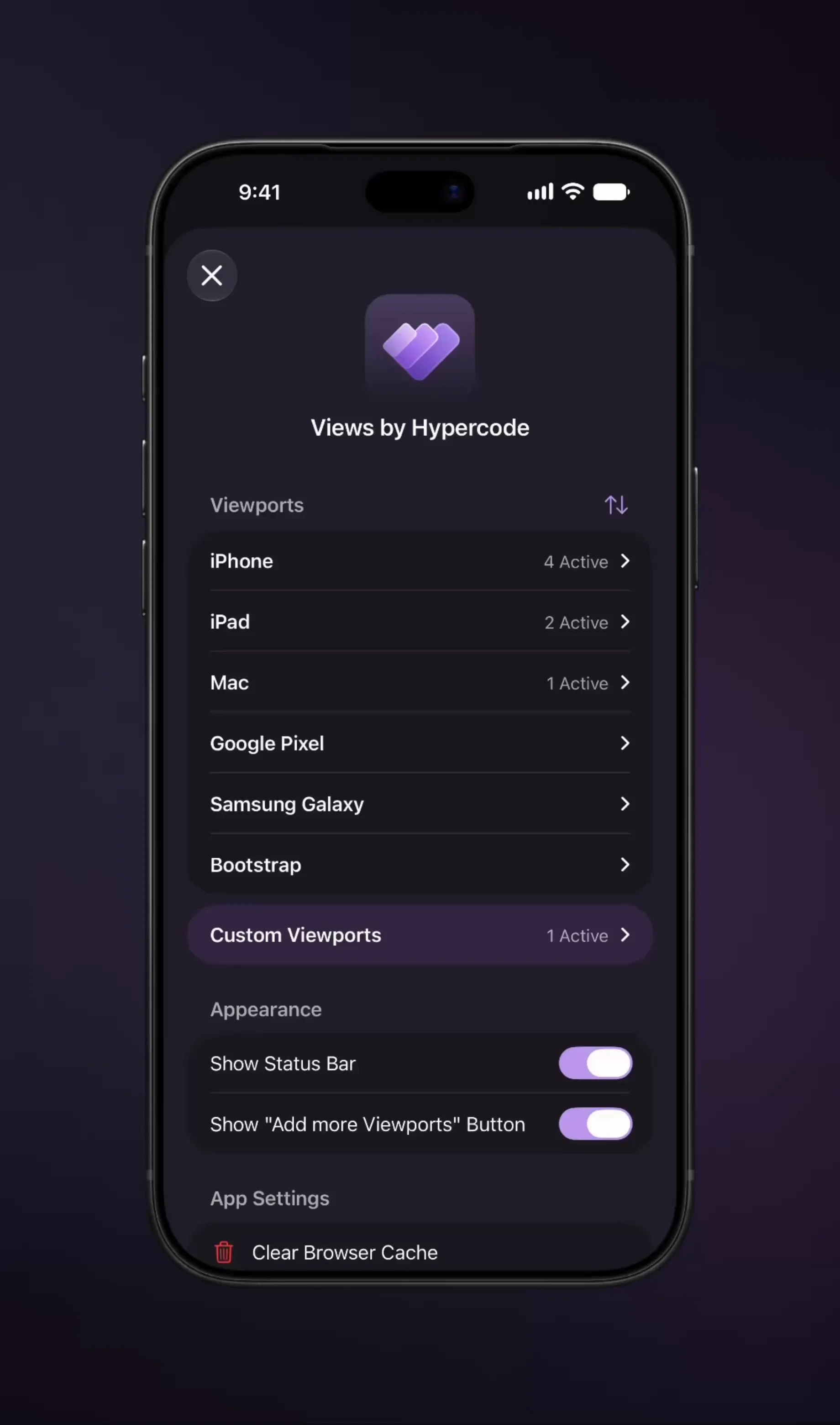
From early iPhones to iPhone Duo, iPad mini to iPad Pro, and MacBook to iMac: start with ready-made viewport sizes. The catalog also includes Google Pixel and Samsung Galaxy phones, foldable displays and Bootstrap breakpoints.
iPhone
Classic, SE, mini, Air and Pro sizes. Includes iPhone 18 Pro and both iPhone Duo displays.
iPad
iPad, mini, Air and Pro sizes. From the original iPad to 11″ and 13″ M5 models.
Mac
MacBook Neo, Air and Pro. iMac 24″, with laptop sizes from 13″ to 16″.
Google Pixel
Pixel 7–11 and selected a, Pro and XL models. Includes both Pixel 11 Pro Fold displays.
Samsung Galaxy
Galaxy S23–S26 and selected A-series models. Includes both Galaxy Z Fold8 displays.
Bootstrap
Test your layouts at the breakpoints of the classic frontend framework, from sm (576 px) to xxl (1400 px).


Need a size of your own? Set a custom width and height and save it for your next check. The free version supports up to three simultaneous viewports. Unlimited viewports in PRO.
All the viewports.
on one device.
Views by Hypercode for iPhone and iPad.
Free with a one-time in-app purchase for PRO features.