Views at a glance
- App
- Views by Hypercode · Download on the App Store
- Platforms
- iPhone and iPad, requires iOS 26.0 or iPadOS 26.0 or later
- Release date
- Languages
- English, German, French and Spanish
- Price
- Free with a one-time in-app purchase for Views Pro
USD 8.99 / EUR 9.99 / GBP 8.99 - Developer
- Hypercode GmbH from Cologne, Germany
About Views
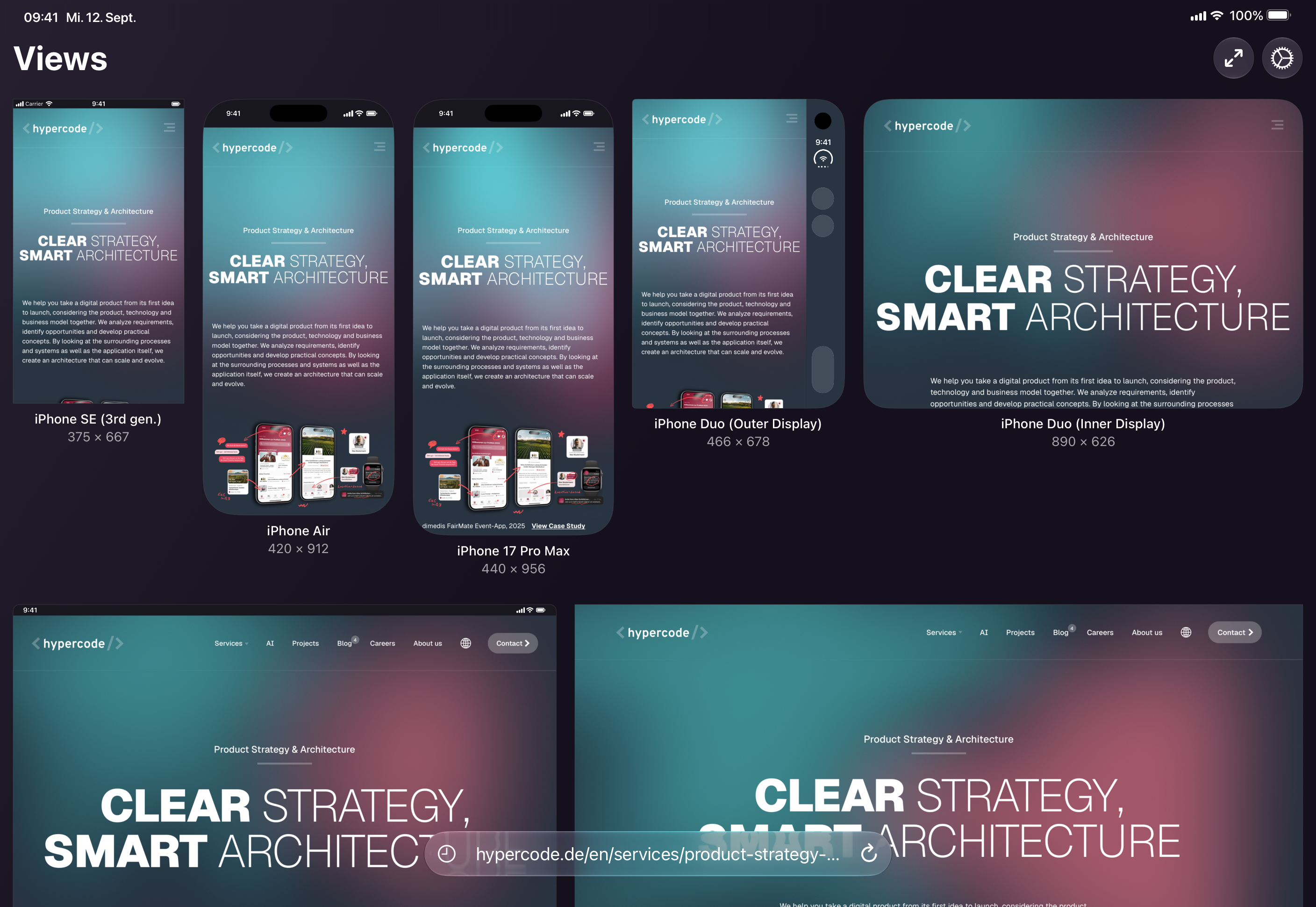
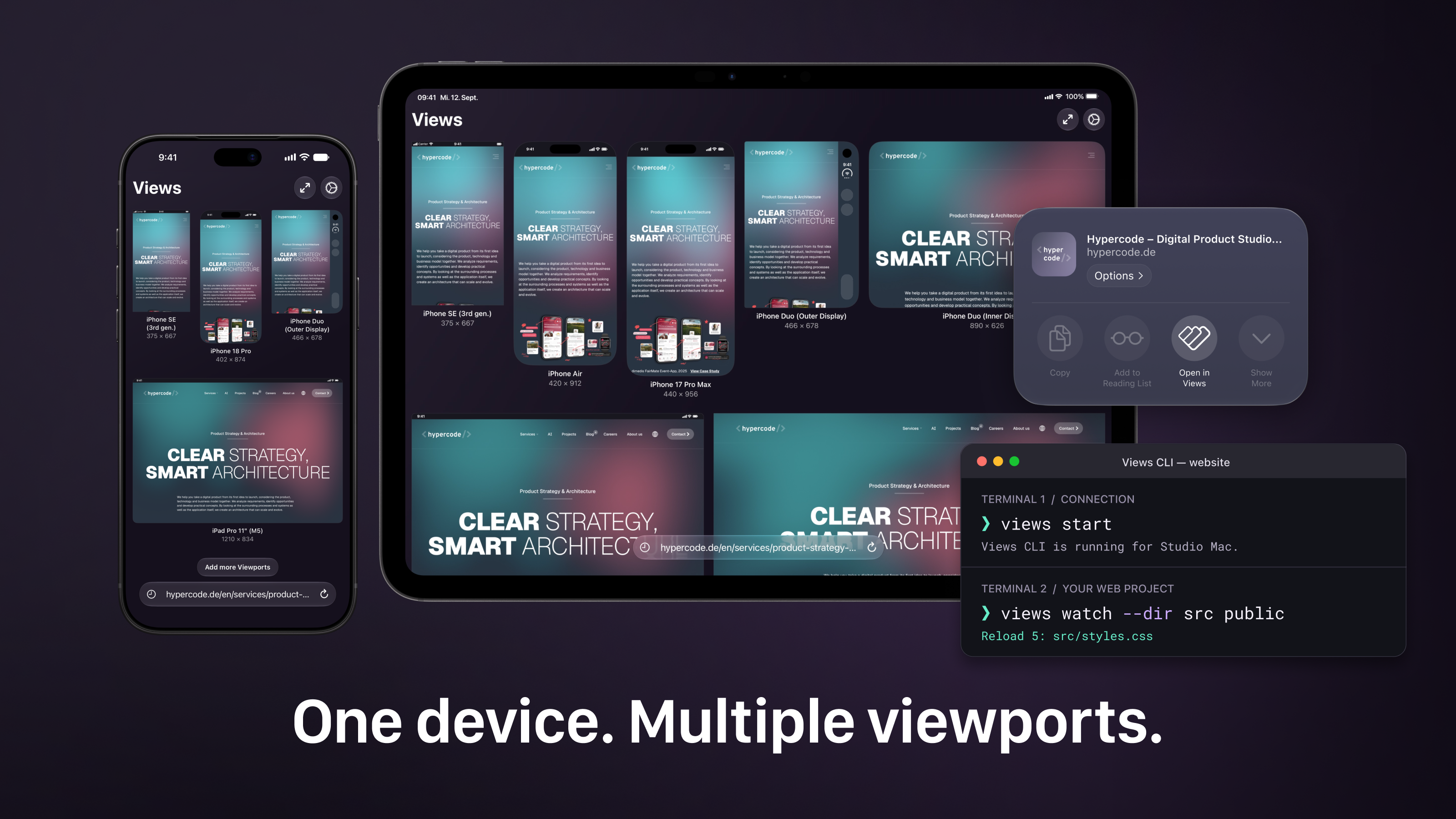
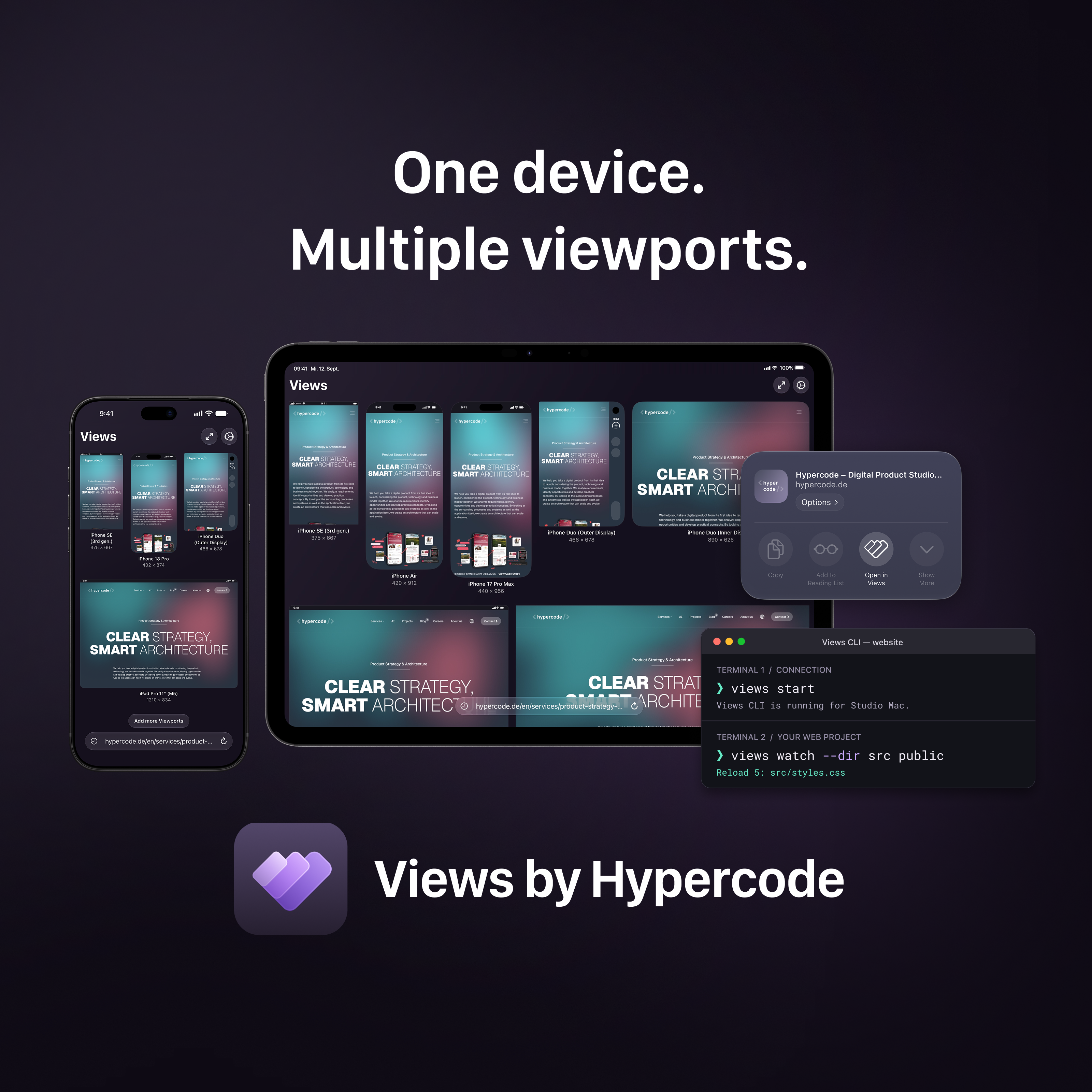
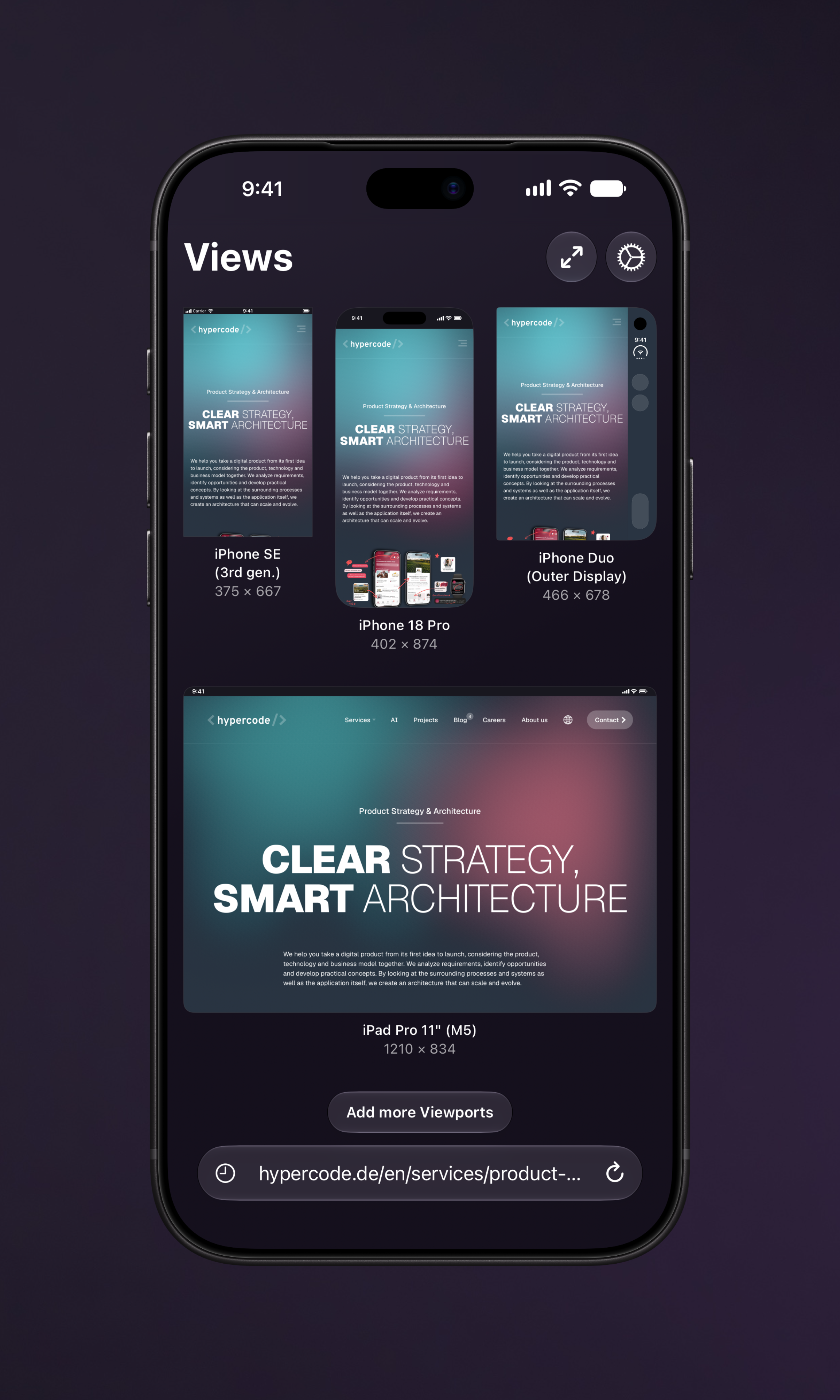
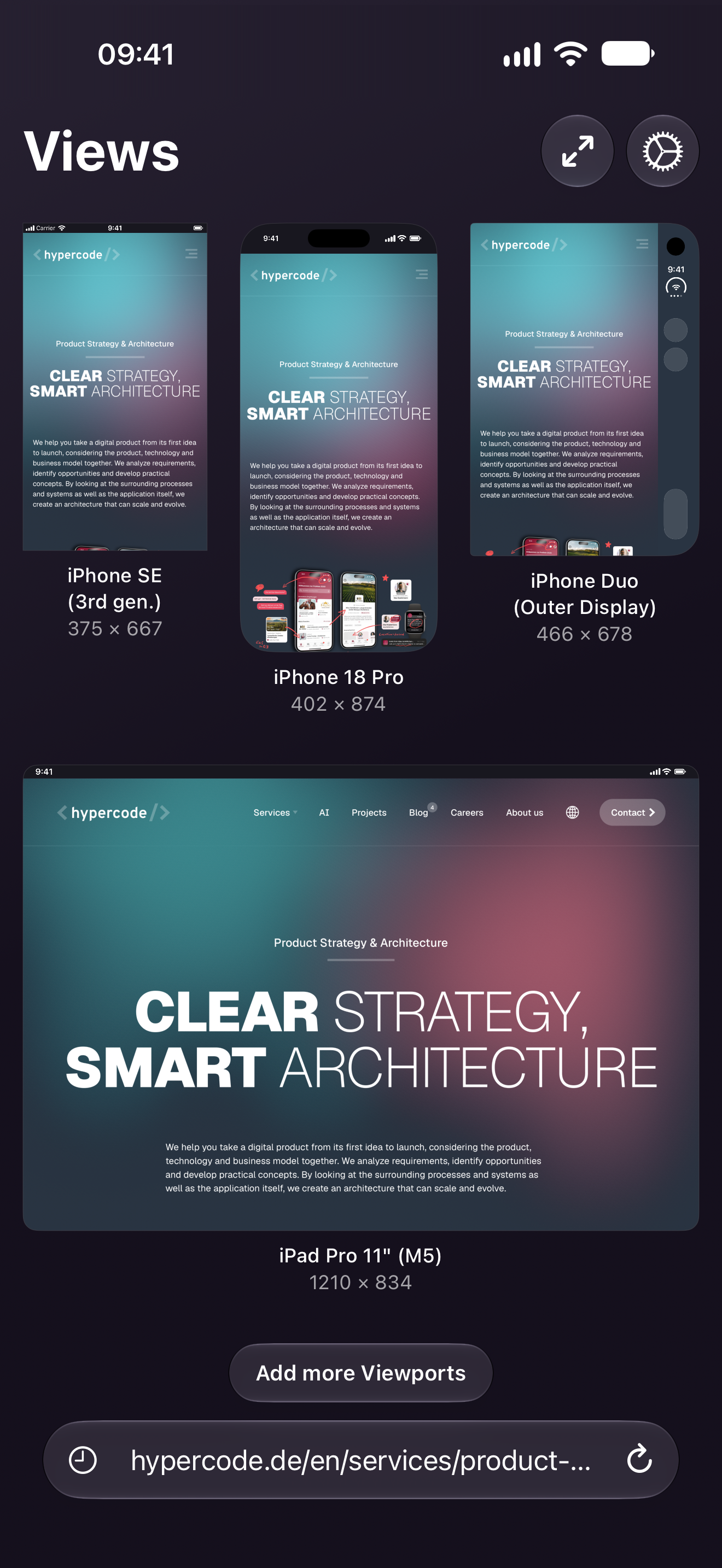
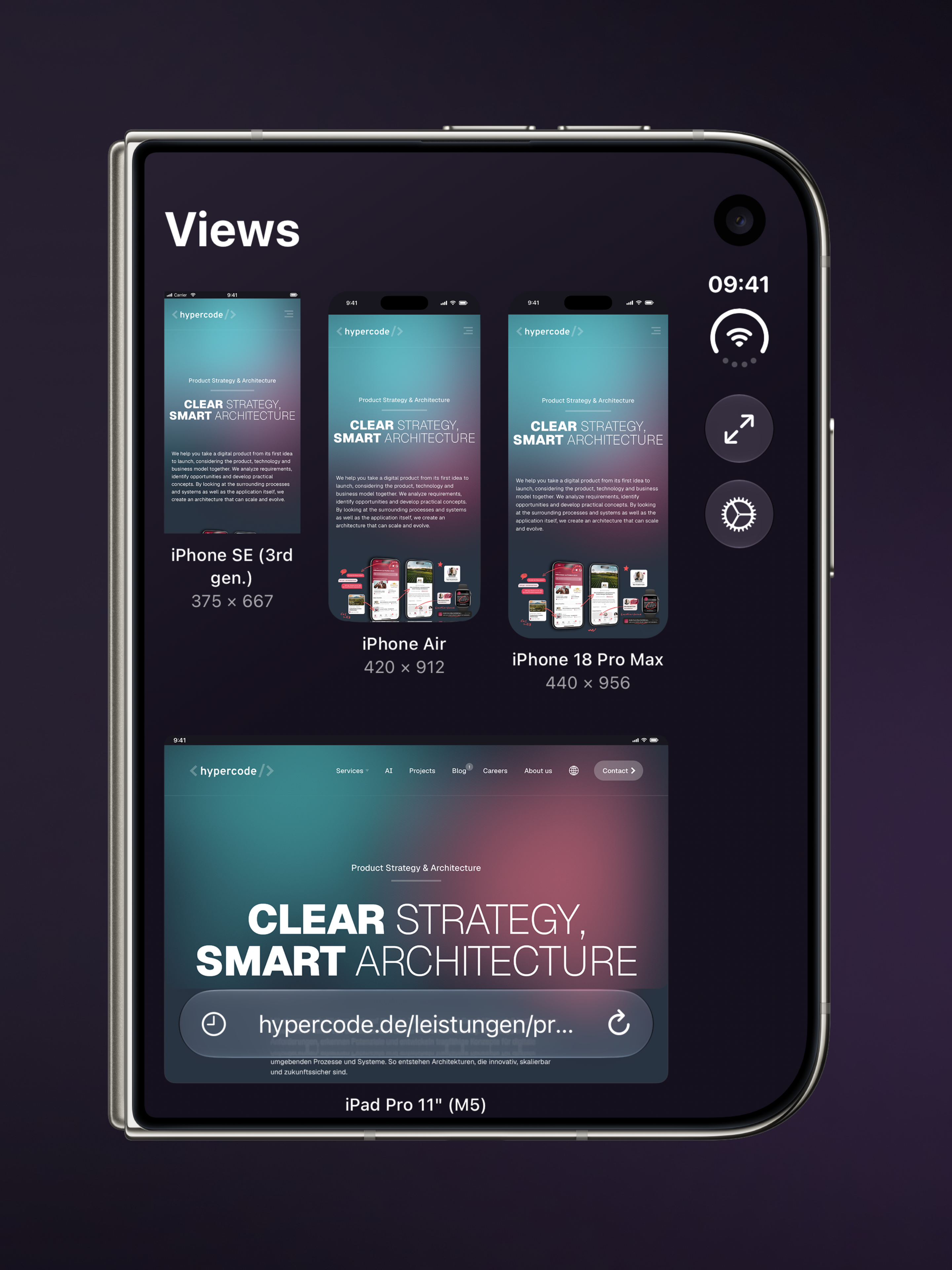
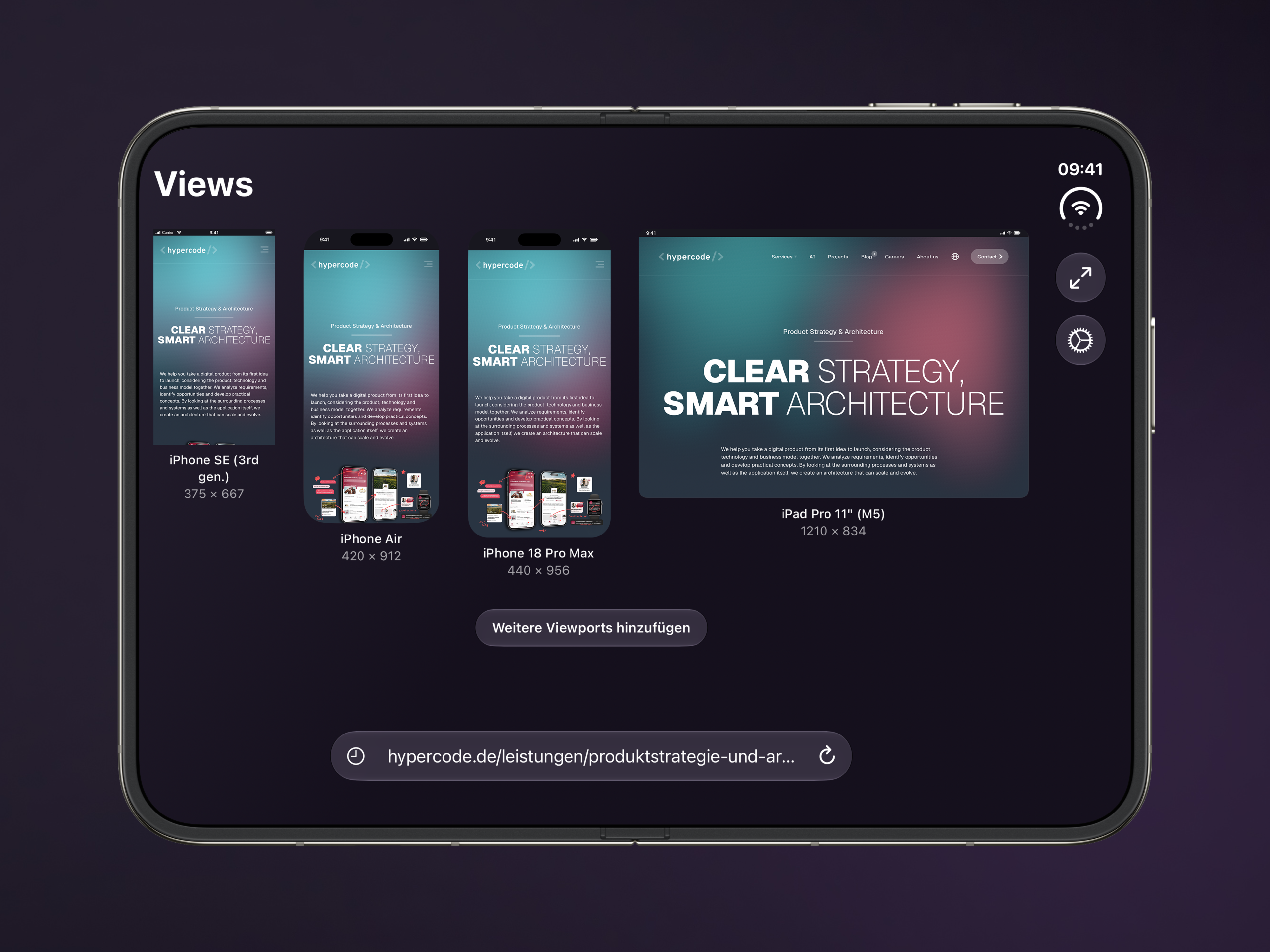
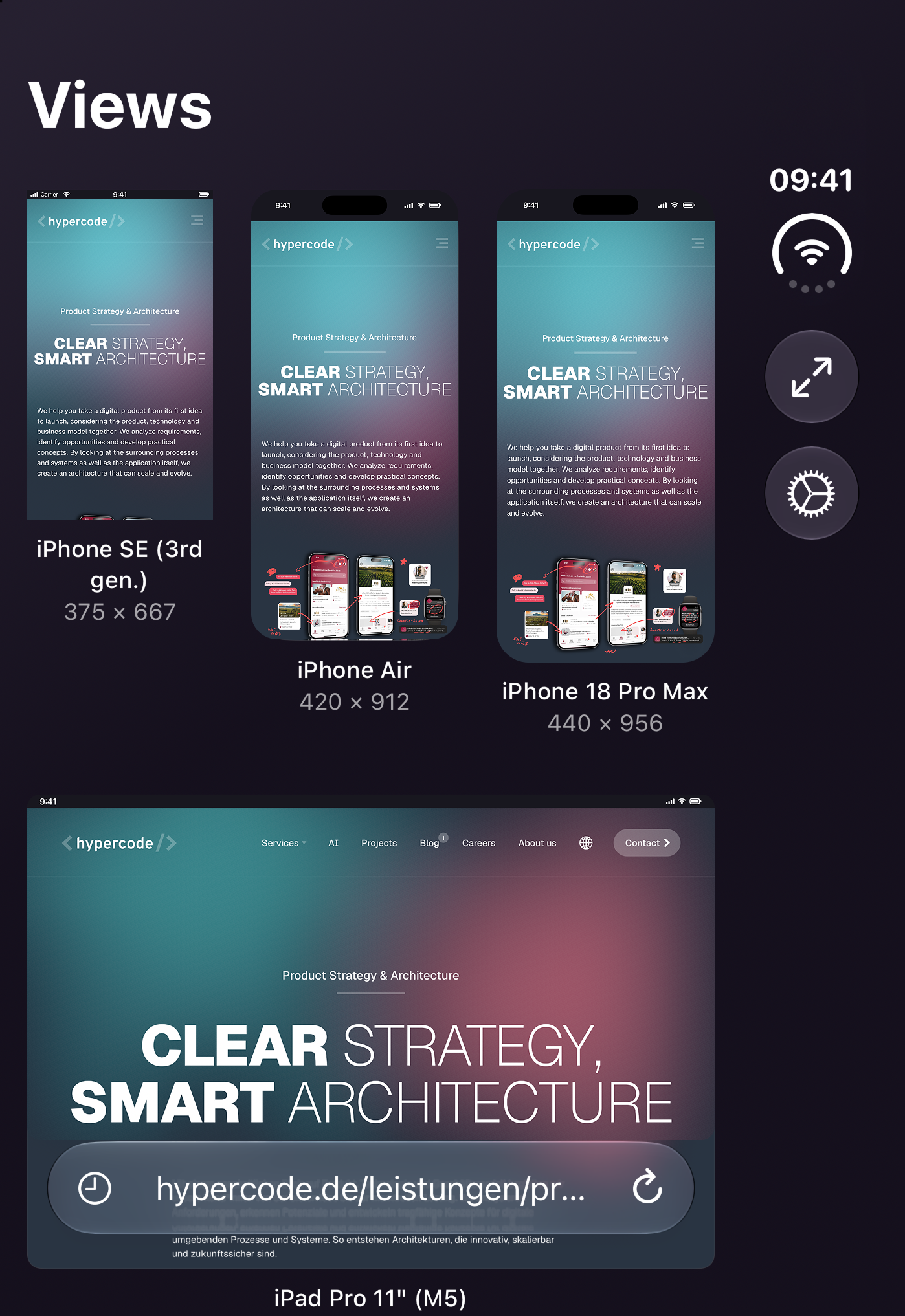
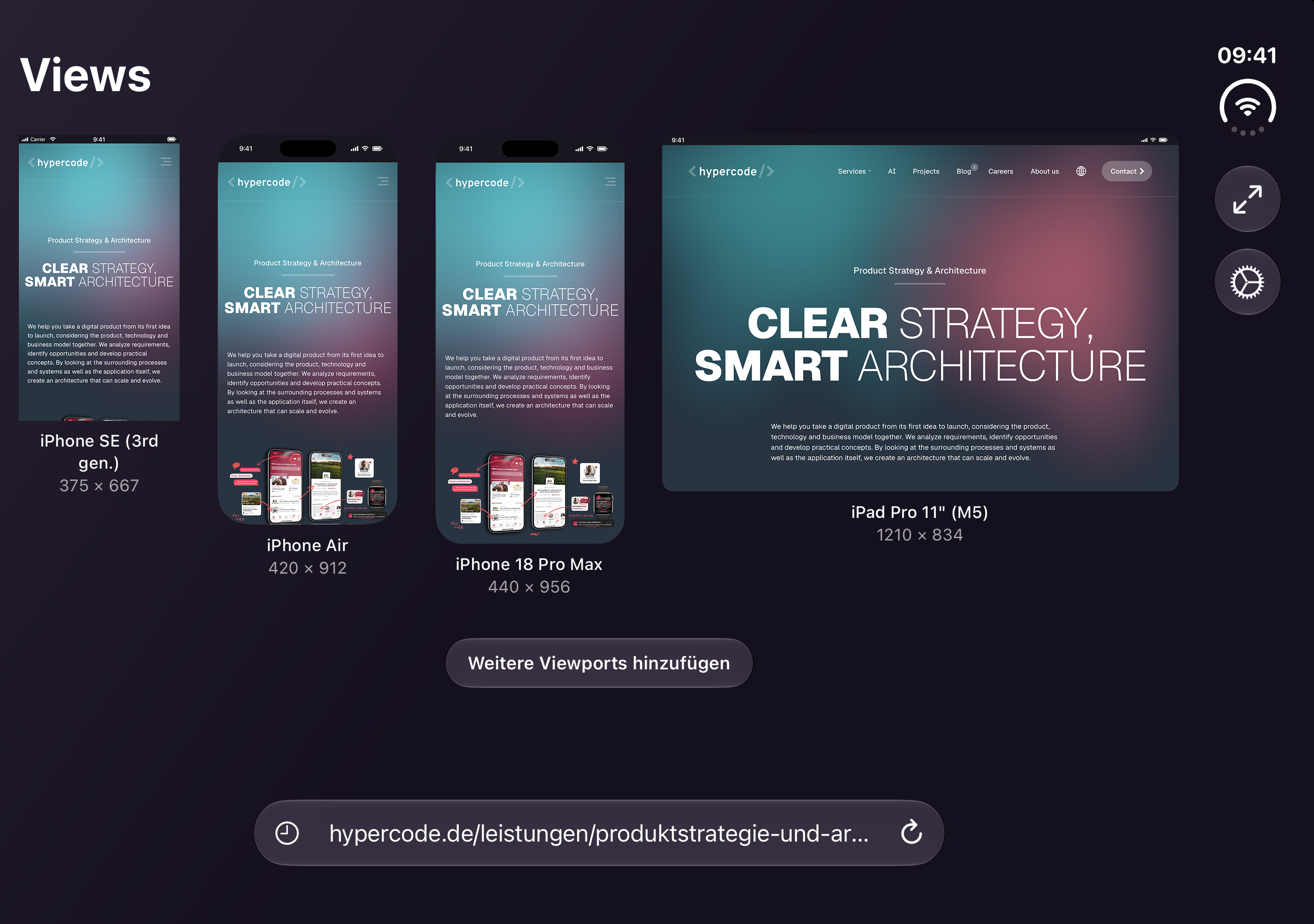
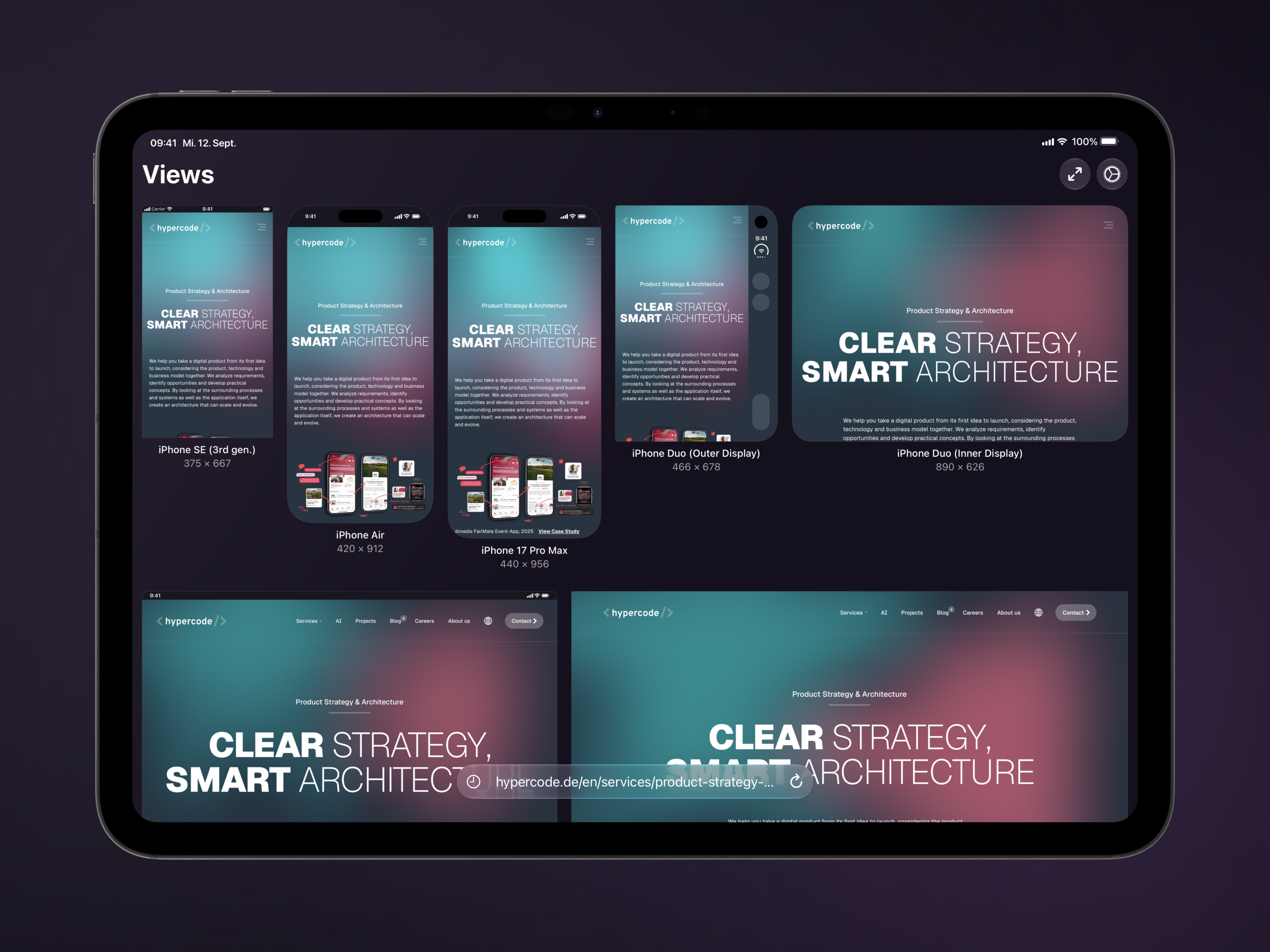
One device. More perspectives. Views turns iPhone and iPad into a workspace for responsive web design. The app displays a website in multiple viewport sizes side by side, from compact phones to tablets, foldables and desktops. Compare layouts, spot awkward line breaks and review ideas directly on your own device.
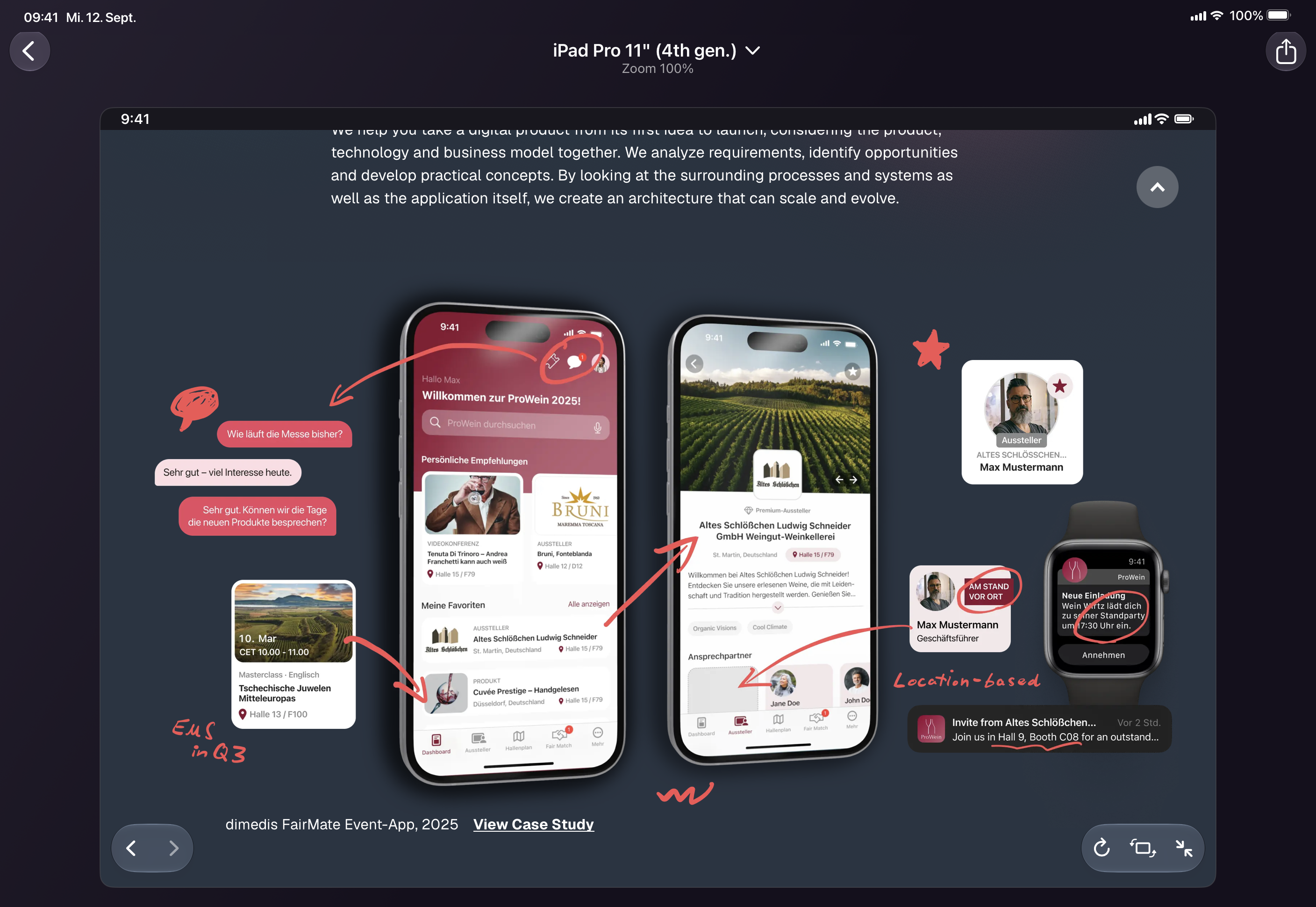
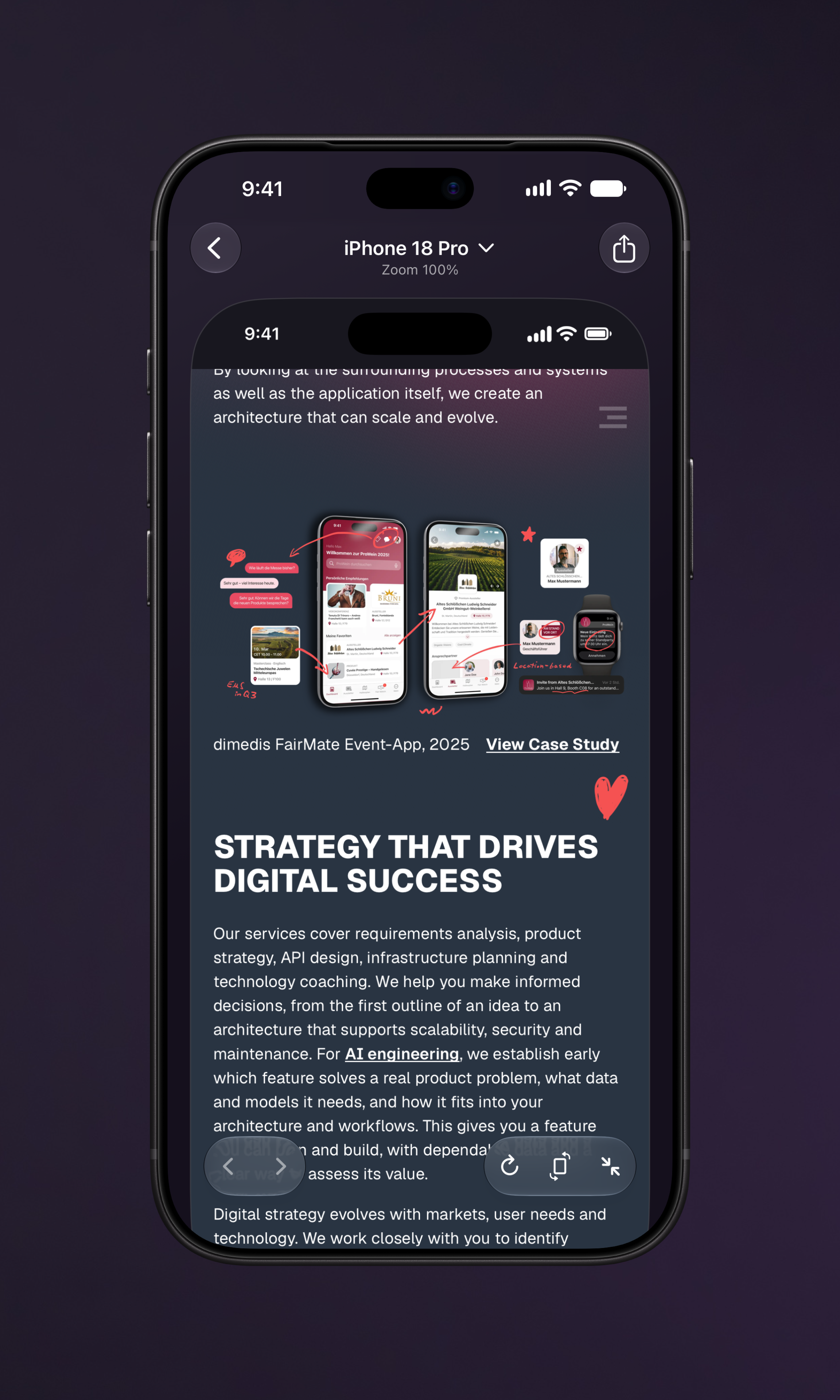
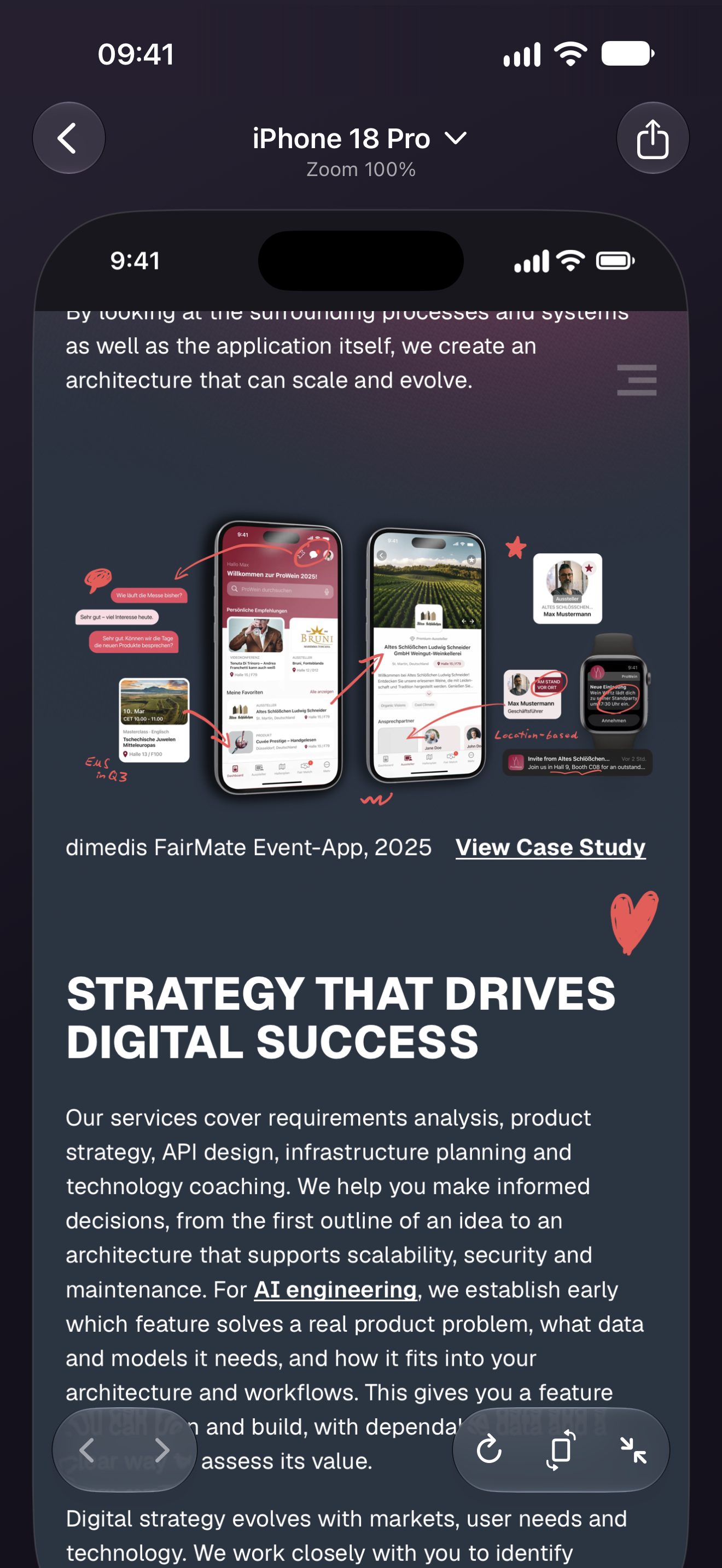
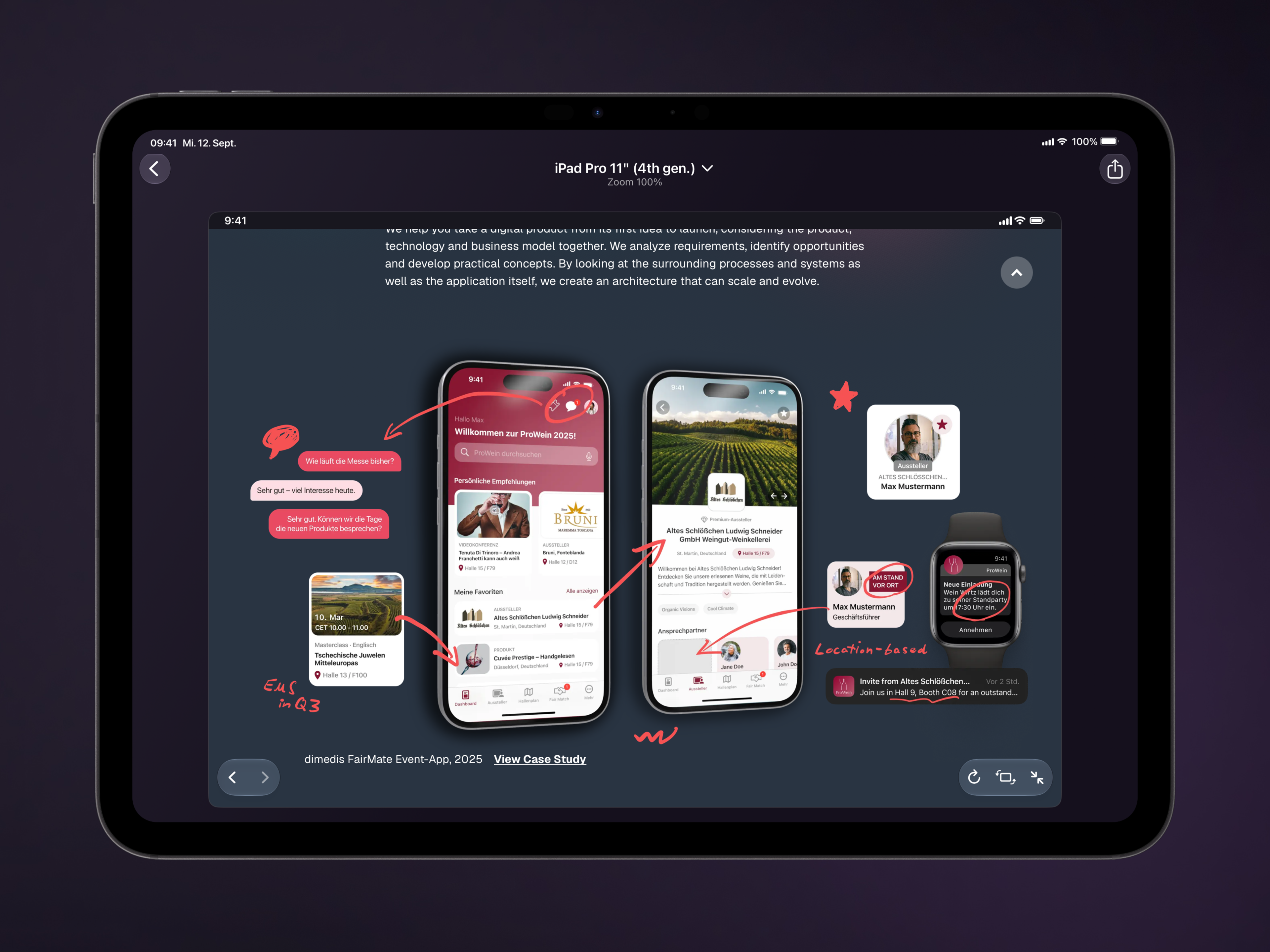
Tap a preview to open its interactive view: follow links, test menus and scroll through the page. Return to the overview with your scroll position synced. Alongside the device catalog, you can save custom viewports and share screenshots for feedback or documentation.
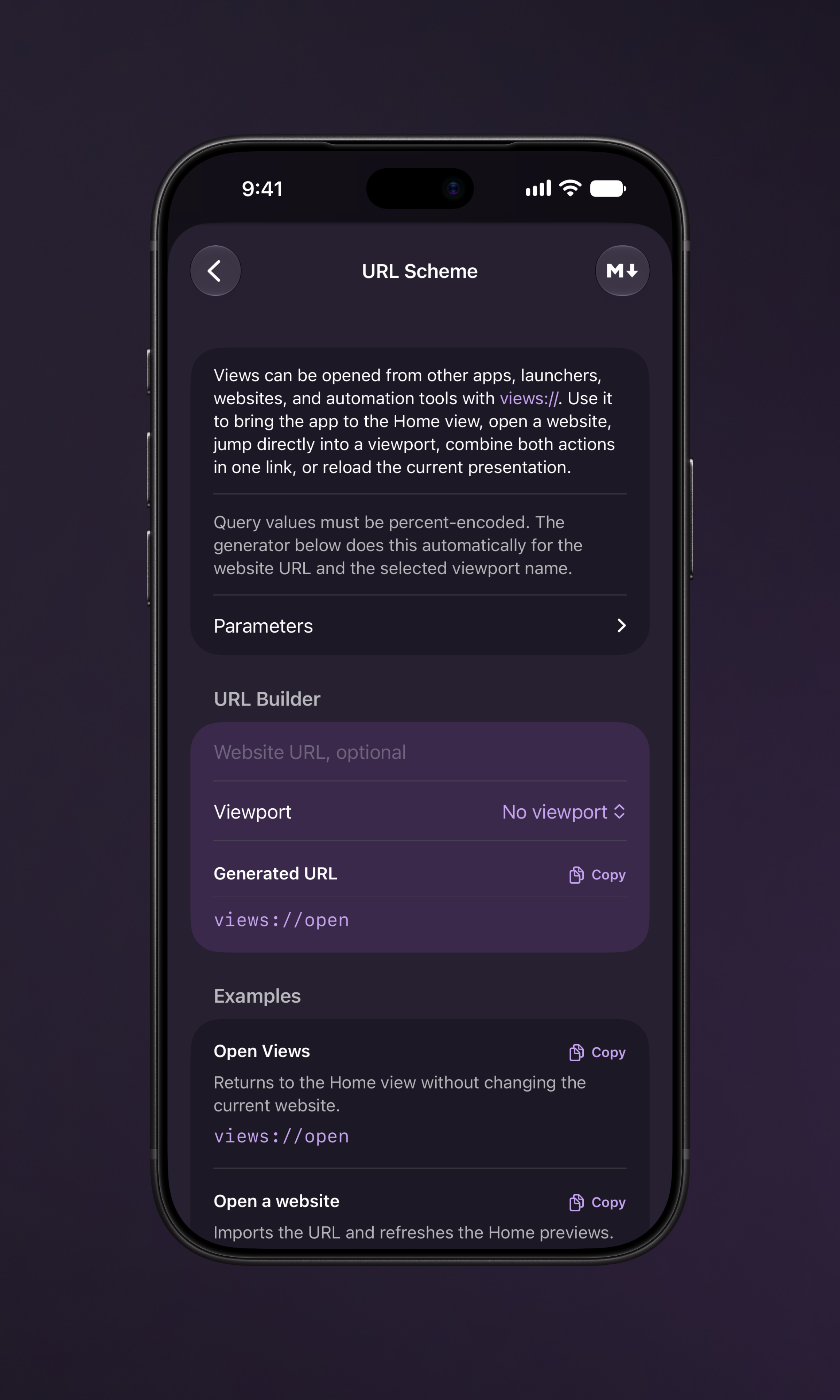
Views is for designers, developers and anyone reviewing responsive websites. Live Reload, the Safari extension, Apple Shortcuts and the free Views CLI for Mac and PC connect the app to existing workflows. Markdown guides give AI agents the instructions they need to control Views.
Key features
- Multiple viewports on one device: Compare phone, tablet, foldable and desktop sizes in a single overview.
- Interactive previews: Use websites at the selected viewport size and return to the overview with your scroll position synced.
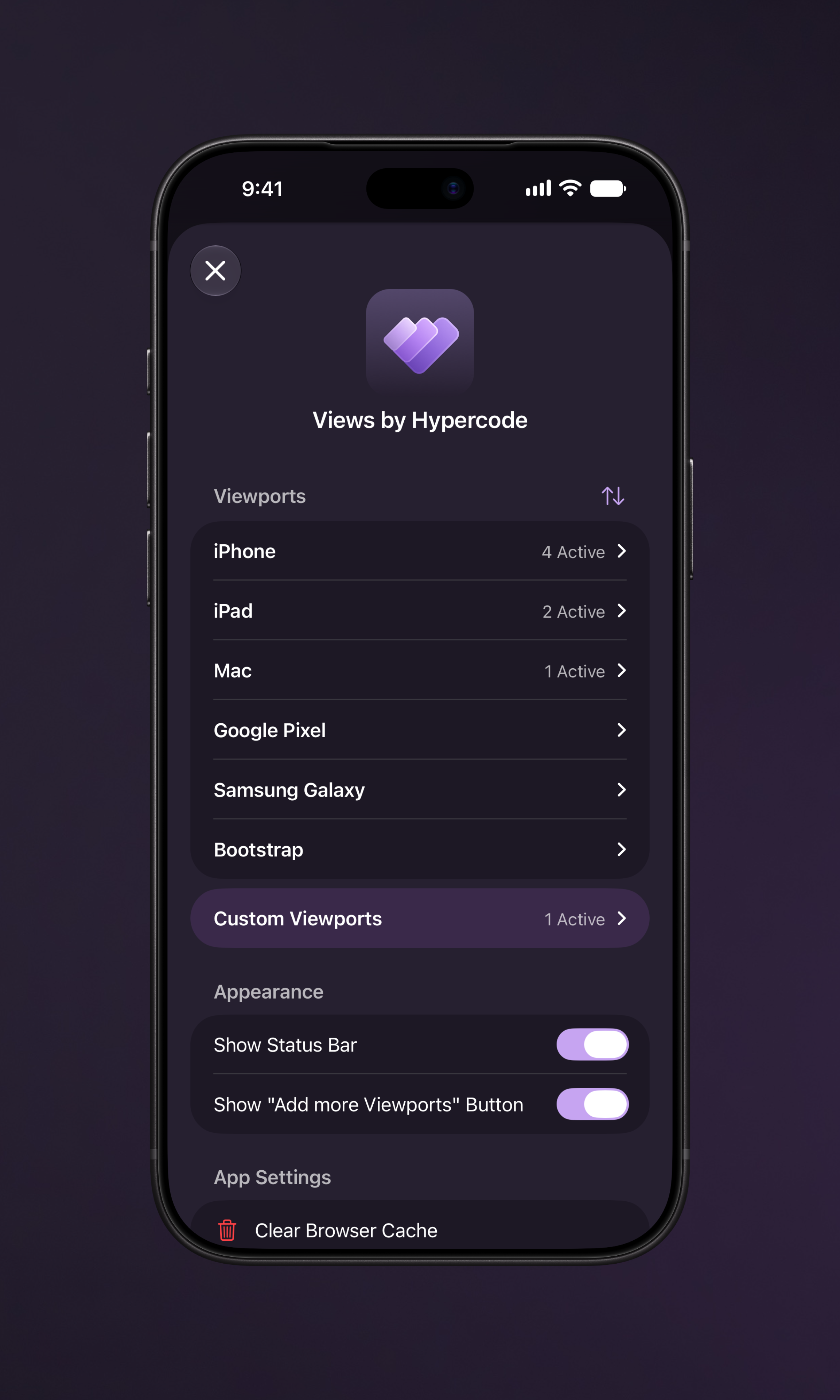
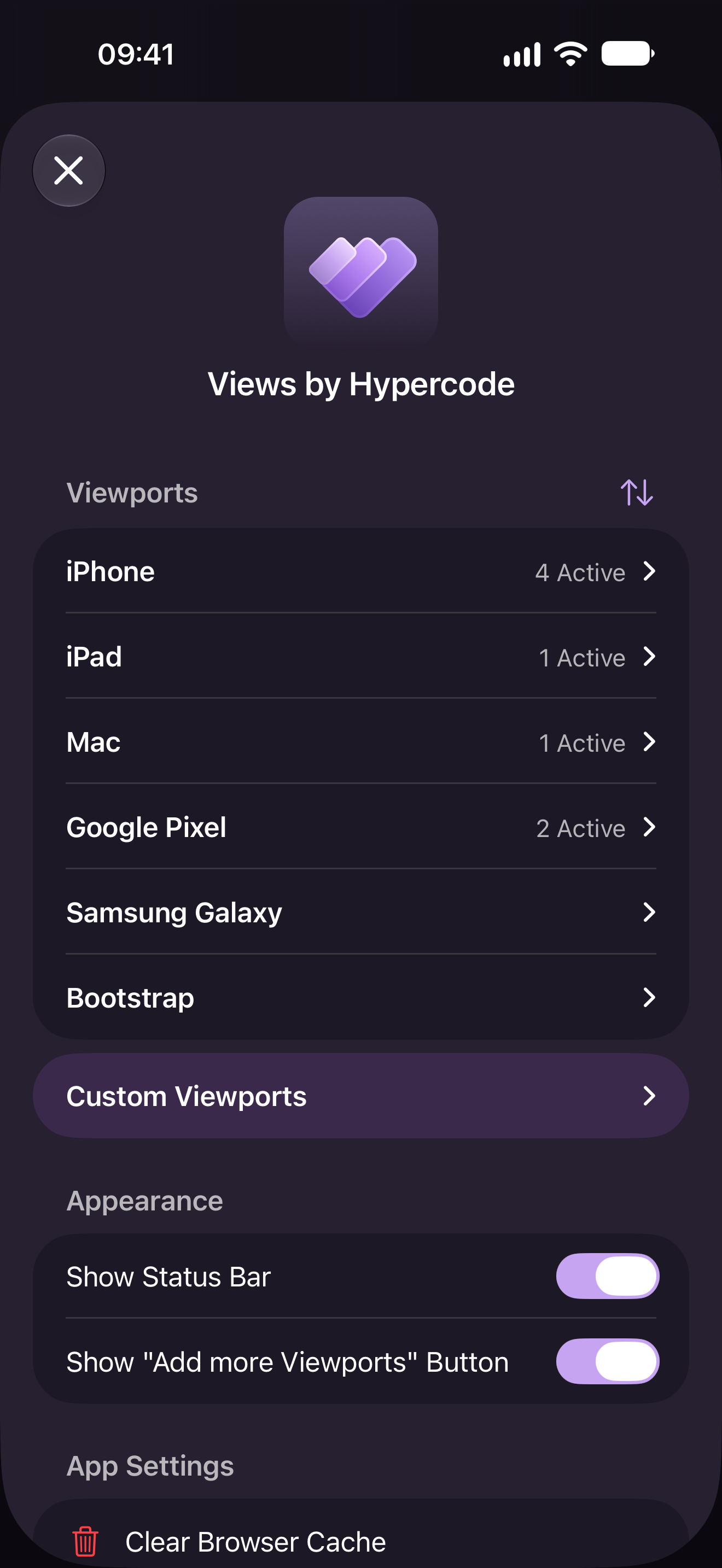
- Device catalog and custom sizes: Choose from an extensive set of predefined viewports or save your own dimensions.
- Live Reload and Auto Reload: Refresh previews when project files change through the Views CLI or at a fixed time interval.
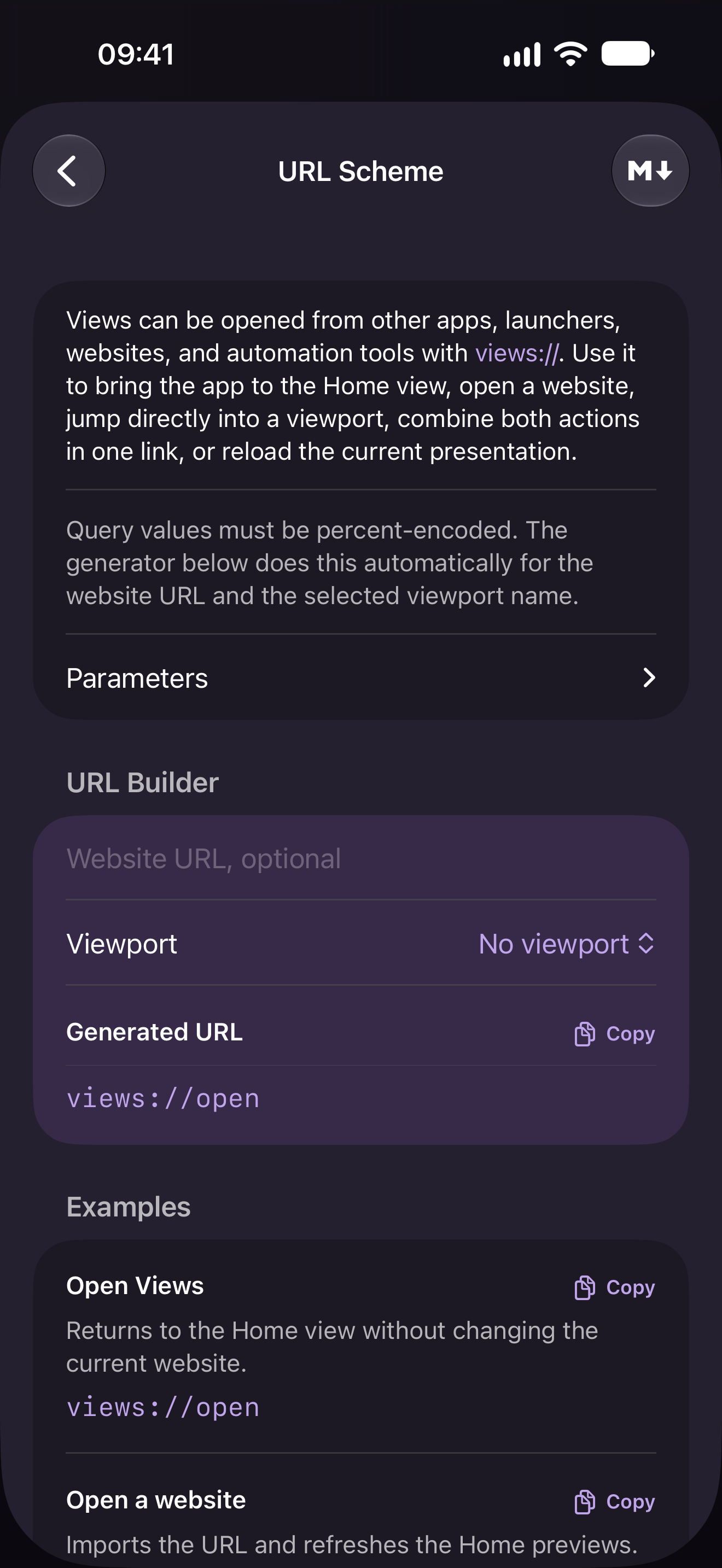
- Integrations and automation: Open websites from Safari and control Views through the CLI, Apple Shortcuts or the
views://URL scheme. Markdown guides give AI agents instructions that include the available viewports. - Screenshots: Share results for feedback and documentation.
Views Free and Views Pro
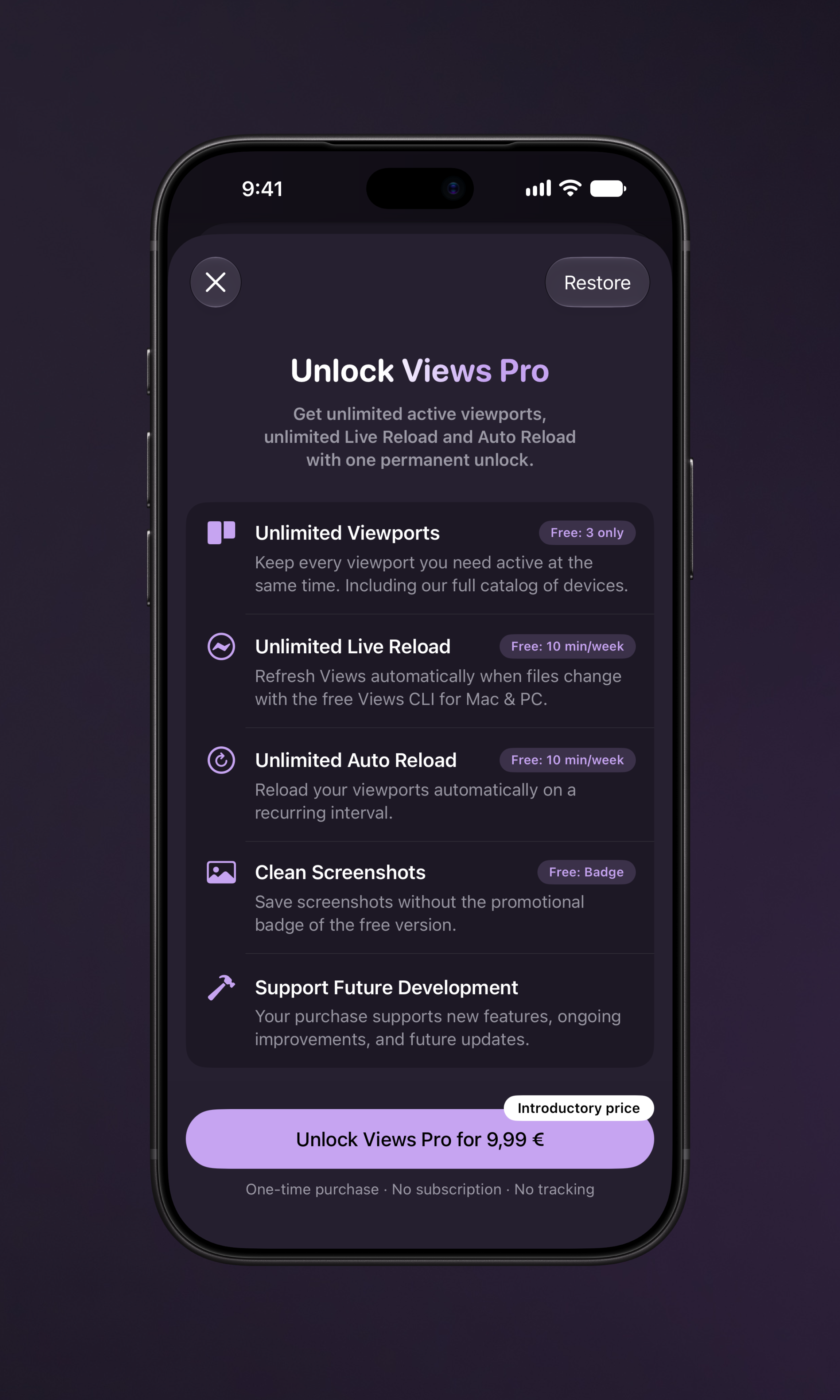
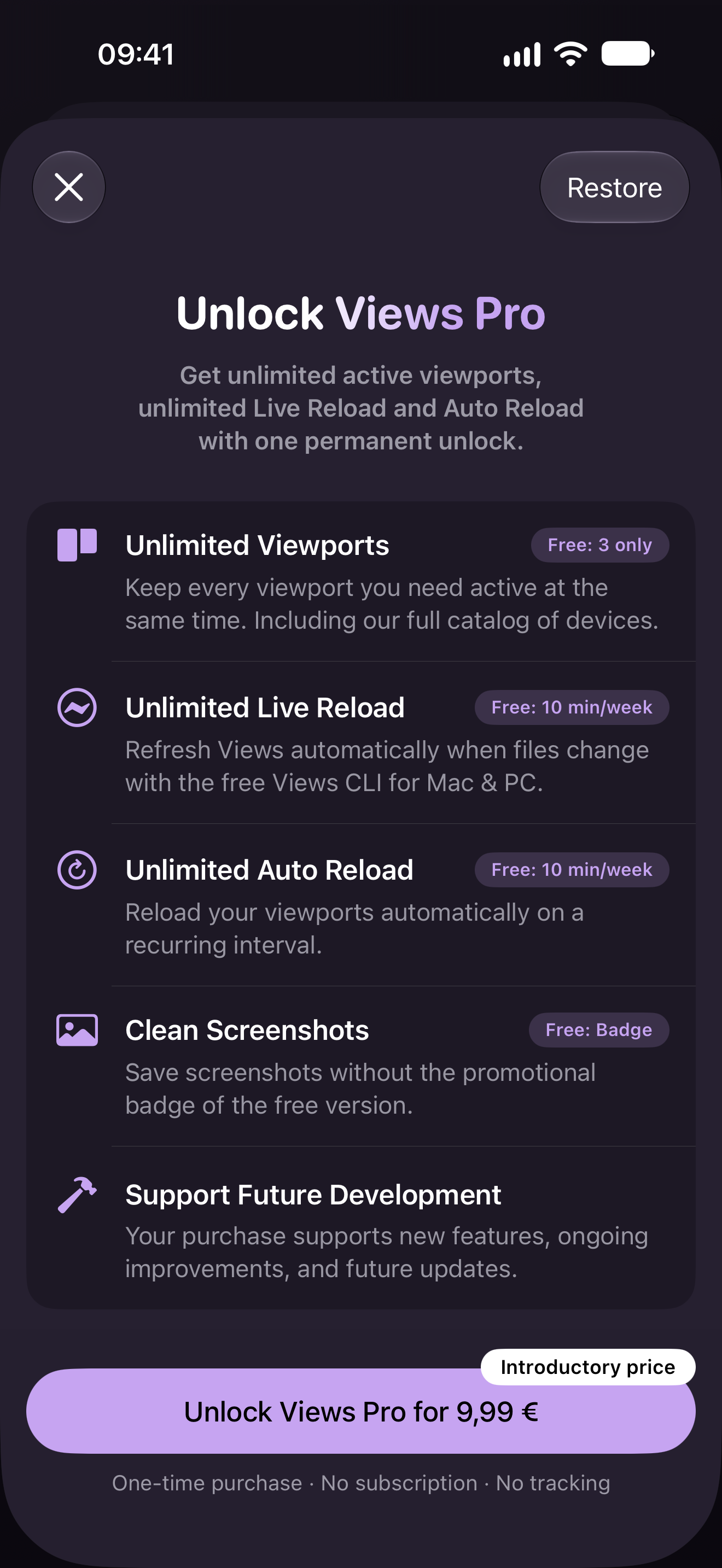
Views Free includes up to three active viewports at a time and unlimited saved custom sizes. Live Reload and Auto Reload share ten active minutes per week. Screenshots include a Views badge.
Views Pro unlocks unlimited active viewports, unlimited Live Reload and Auto Reload, and screenshots without the badge. Pro is a one-time in-app purchase with no subscription. The current price is shown in the app.

About Hypercode
Hypercode is a Digital Product Studio based in Cologne, Germany. The team brings together product strategy, UX/UI design and development to create digital products for web and mobile. Its services include corporate websites, web apps, custom software, mobile apps for iOS and Android, and AI engineering.
Media assets and downloads
Find Views icons, teasers, device images and screenshots for iPhone, iPhone Duo and iPad for your coverage below. Icons are available as PNG and SVG; teasers, device images and screenshots as PNG. Download each file individually or get everything in one ZIP archive. Image credit: Hypercode.
Views app icon



Views Teasers
iPhone
With device
Screenshots
iPhone Duo
With device
Screenshots
iPad
With device
Screenshots